Print shop order software: files, proof approval and the status of every job
Print shop order software keeps the customer's files, the proof, a time-stamped approval and the current stage (prepress, printing, finishing, ready) together on each job. Nothing goes to press without sign-off, and no file gets lost between emails and texts.
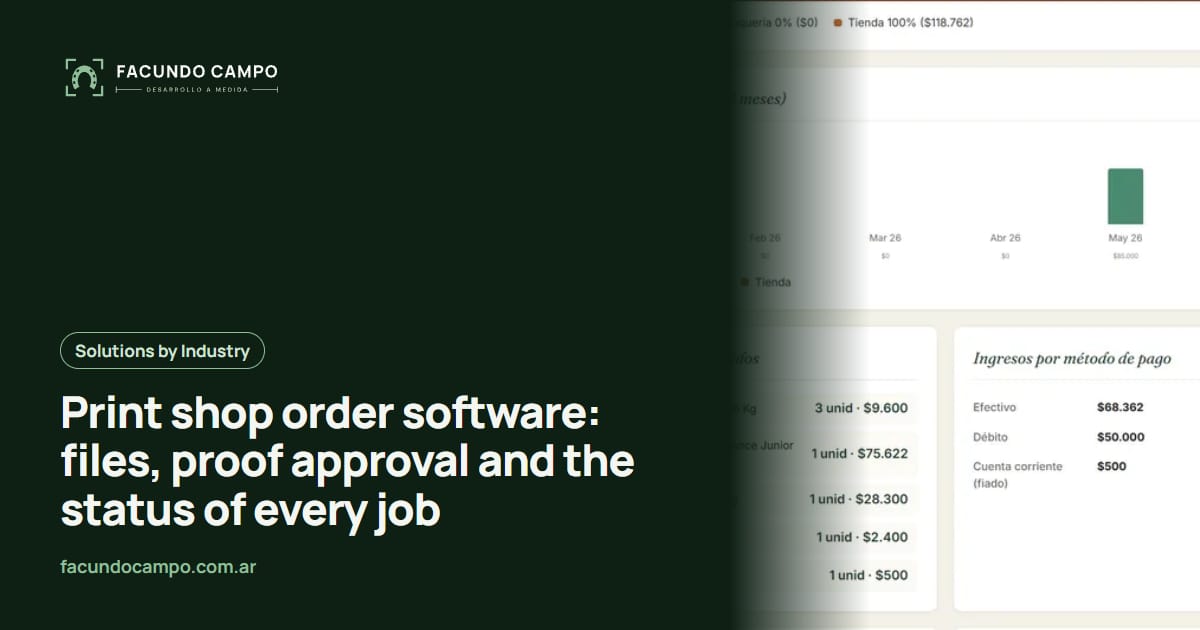
Print shop order software keeps everything about a job in one place: the customer's files, the proof, a time-stamped approval and the current stage, whether that's prepress, awaiting approval, on press, finishing or ready for pickup. Nothing goes to press without sign-off, and no file gets lost between emails, texts and file-transfer links.
In printing, mistakes don't come with an undo button. A job printed from the old file or in the wrong color means paper, ink and press time thrown away. The software is there to stop that from happening.
How orders come in today
From everywhere. One customer emails the file, another sends it over WhatsApp, compressed and blurry, another shares a transfer link that expires in a few days, and someone else walks in with a USB stick. The job details (quantity, stock, size, finishing) end up scattered across those channels or written on a paper job ticket.
Then comes the delicate part: the proof. You send the design for approval, the customer replies “looks good” in one thread and asks for a change in another, and when the job comes off the press, the argument starts over which version was the right one.
What print shop order software organizes
- The full order from the start: product, quantity, size, paper stock, finishing and due date, picked from your catalog instead of typed by hand.
- Files attached to the job: the customer uploads them right on the order, and they stay there with every version.
- The proof and its approval: the customer opens the proof from a link and taps “approve” or “request changes.” Who approved, which version and when all get recorded.
- The status of every job: in prepress, awaiting approval, on press, in finishing, ready for pickup or shipped.
- History by customer: so you can rerun a job without asking for the files or details again.
The approval is what protects you
A recorded approval isn't red tape. It's your backup. When a customer says “that's not the color I approved,” you can see which proof you sent, which version they approved and exactly when. If they asked for changes, those are on record too.
On the other side, customers feel better knowing nothing gets printed without their OK. And your shop stops having jobs stuck “waiting to hear back,” because the system shows which proofs haven't been answered and lets you nudge the customer with one tap.
Different jobs, different workflows
| Job type | What matters most | What the software handles |
|---|---|---|
| Business cards and stationery reorders | Rerunning fast with no errors | Saved details and files per customer |
| Brochures and catalogs | Getting the proof right | Versions and recorded approval |
| Large format (banners, vinyl, signs) | Exact sizes and huge files | Large file uploads on the order |
| Packaging and labels | Hitting the customer's date | Stages and committed dates in plain sight |
A real self-managed catalog: Boca de Lobo
Boca de Lobo is a steakhouse in Buenos Aires with a digital menu of more than 250 items and its own admin panel, where the team changes prices, dishes and promotions without depending on a developer. Different industry, but a print shop has the same challenge with its catalog of products and options, which changes often: the person who knows it should be able to update it without asking anyone.
See the Boca de Lobo projectQuoting without the back-and-forth
A lot of a print shop's time goes into quoting. A customer asks “how much for some flyers?”, you ask about size, stock and finishing, and only then can you price it. If your catalog has the options built in, the customer builds the order and the quote comes out ready, on screen or as a PDF. I wrote about that for manufacturers on the Estructuras 3D blog in automatic PDF quotes, and the no-3D version in online quote calculator without 3D.
If you work with agencies or companies that order year-round, add a B2B customer portal where they see their jobs and reorder. And so customers stop messaging to ask if it's ready, take a look at an order tracking page.
How we'd build it
I start with your most-ordered products and how you handle proofs and approvals today, since that's where most things slip. From there I build a first version, you try it with a few trusted customers, and we adjust before opening it to everyone. I work remotely from Buenos Aires, Argentina (UTC−3), over video calls, and quote each project separately.
Frequently asked questions
Can customers upload large files?
Yes. The system takes the file types you normally work with, including heavy large-format files, and keeps them on the job. You stop depending on transfer links that expire after a few days.
Can it check whether a file is print-ready?
It can run basic checks and warn the customer on upload, for example if the resolution is too low for the size ordered. The detailed preflight still belongs to your prepress person, who's the one who knows.
Does it work for shops that print for agencies and companies?
That's where it pays off most. Each customer has their logos, preferred stocks and past jobs saved, and reordering business cards or stationery takes one tap.
Can I show my products without publishing prices?
Yes. You can list your products with their options (sizes, stocks, finishes) and let customers build the order and receive a quote, or show pricing only after they log in. Your call.
If your shop's files and approvals are spread across email and chat threads, message me on WhatsApp at +54 9 11 6193-3176 or email contacto@facundocampo.com.ar. I answer in English and Spanish. Tell me which jobs you run most and I'll show you how I'd organize your orders.