Quote software for service businesses: build, send and follow up every quote from your phone
Quote software for a service business lets you put together a clean quote in a few minutes from templates and saved items, send it by WhatsApp from the job site, and see which quotes were accepted and which need a follow-up.
Quote software for a service business lets you put together a clean quote in a few minutes, using templates and line items you’ve already saved, send it by WhatsApp from the customer’s house, and later see which quotes were accepted and who needs a nudge.
In service work, whoever replies first with a clear quote often gets the job. Here’s what a quoting system should do so it actually saves you time instead of adding another step.
Where do service businesses lose time (and jobs) on quotes?
The usual routine: the tech goes to look at the job, takes photos, jots measurements on a scrap of paper and heads back. That night, someone builds the quote in a document copied from the last one, changes the customer’s name and forgets to update one line. It goes out as an attachment that doesn’t open well on a phone. And then nobody remembers to ask whether the customer saw it.
Two things get lost there. Time, because every quote starts from zero. And jobs, because the customer who asked three companies for a quote goes with the first one that arrived, or with the one who called to answer their questions.
A good system handles both: it builds the quote fast, on the spot, and reminds you who to follow up with.
What should quote software for a service business include?
- Templates by job type. “Installation”, “monthly maintenance”, “repair”: each one comes with its usual items and wording.
- Saved line items. Labor, materials, travel, each with its description ready. Pick, adjust quantities, done.
- Photos and notes from the visit. The tech’s photos stay attached to the quote, so the customer understands what will be done.
- Clear terms. How long the quote is valid, payment terms, what’s included and what isn’t. Written once, shown every time.
- Sending by WhatsApp or email. With a link that looks good on a phone and an accept button.
- Status for every quote. Sent, viewed, accepted, declined. With dates.
- Follow-up reminders. The system flags quotes that haven’t had a reply after a few days.
What does it look like for a real service company?
Take a company that installs and services air conditioning units. The tech finishes the visit, opens the system on his phone, picks the “mini-split install” template, adds an extra run of line set and a special wall bracket, attaches two photos and sends it by WhatsApp before getting back in the van.
The customer opens it that evening and accepts it from the link. Next morning, the office sees it marked as accepted and puts it on the schedule. A quote from last week still has no answer: the system flags it, and the office manager sends a message that’s already drafted.
If the job then runs on work orders, see work order management software and field service technician app. If you want a quote that builds itself from your data, I explain it in automatic PDF quotes.
How do you follow up without being pushy?
Follow-up is where the most jobs are won and where the least effort goes. Not because people don’t care, but because nothing tells them who to message today.
What works is simple. A few days after sending the quote, a short message: did you get a chance to look at it, any questions, anything you’d like to adjust. No pressure about the price. If there’s no reply, one more a week later, and then you mark it as lost. Marking quotes as lost matters as much as marking them won: it shows you which ones are still alive.
Over time, the system also shows you which kinds of jobs get accepted the most and which almost never do. That helps you decide which services to push. And if you want more on following up with leads, the LeadsLocales platform I built is all about finding and tracking business contacts.
Copied document, spreadsheet or quote software?
| Copied document | Spreadsheet | Quote software | |
|---|---|---|---|
| Building it | Copy the last one and fix it. | Fast, but looks rough. | Templates and saved items. |
| From the job site | Hard on a phone. | Hard on a phone. | Designed for the phone. |
| Sending | Attachment. | Attachment. | Link with an accept button. |
| Follow-up | From memory. | A column nobody updates. | Statuses and reminders. |
| Turning it into a job | Typed in again. | Typed in again. | Goes straight to the work order. |
A real example with quotes and WhatsApp: EQUIBOX
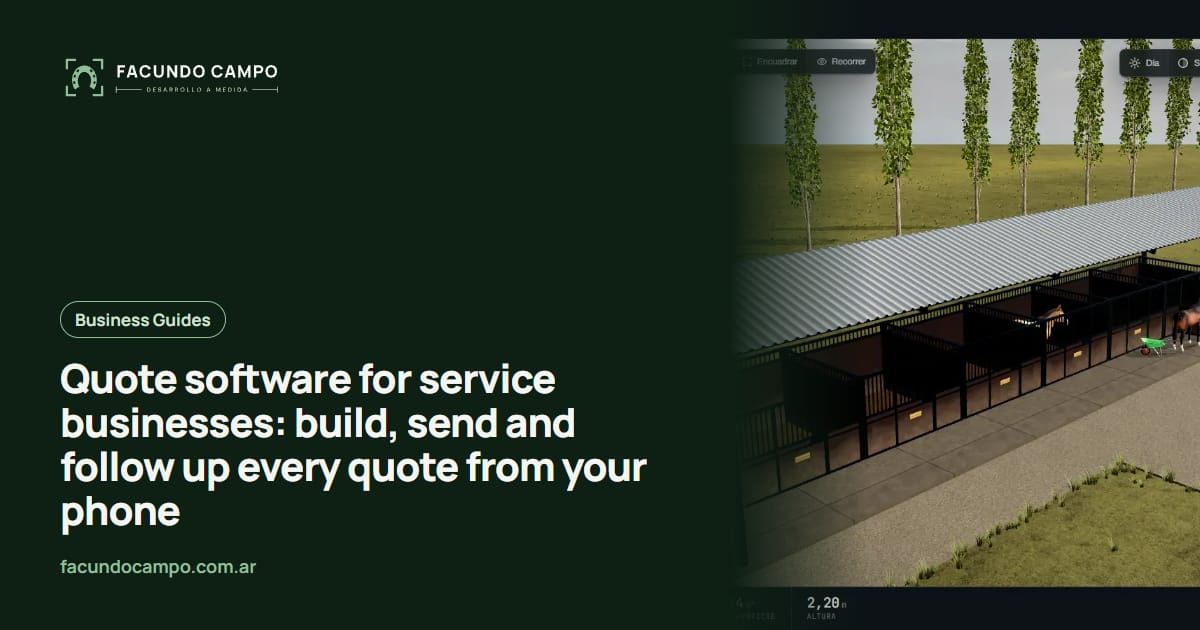
For EQUIBOX, a horse stall and stable manufacturer near Buenos Aires, I built a quote tool where customers design their stable in 3D, download the spec sheet or quote as a PDF and request the final quote over WhatsApp. On the other side, the company has a CRM and sales reps who follow up on every inquiry.
It’s a product rather than a service, but the logic is the same: the quote goes out clear, fast and complete, and whatever happens next gets logged so someone follows up.
See the EQUIBOX projectWhen does custom quote software make sense?
If you send a few quotes a month and an off-the-shelf tool does the job, use it. Custom makes sense when your quotes follow their own logic (items that depend on measurements, area or building type, for example), when you want them tied to your schedule, work orders and billing, or when several people quote and you need everyone doing it the same way.
Contractors have a similar setup with more stages: I cover it in quoting software for contractors. And if getting paid after the yes is the hard part, see accounts receivable tracking for small business.
Frequently asked questions
Which service businesses use quote software?
Any business that quotes before doing the work: HVAC installers, electricians, plumbers, cleaning companies, pest control, building maintenance, landscaping, movers or security. The more quotes you send each week, the more it pays off.
Can I send quotes by WhatsApp?
Yes. The quote goes out as a link or a file with your branding, by WhatsApp or email, with one tap. Your customer opens it on their phone and can accept it right there.
Does it work if every job is different?
Yes. Even when every job is different, the same line items keep coming back: labor, materials, travel, overtime. Templates give you a starting point and you adjust what changes.
Can it connect to work orders?
It can. When the customer accepts, the quote turns into a work order for the technician with the same details, so nobody types them in again.
If you want your quotes out the same day, straight from the job, and a clear list of who to follow up with, tell me how you quote today. Message me on WhatsApp at +54 9 11 6193-3176 or email contacto@facundocampo.com.ar, or use the [contact page](/en/contacto). I answer in English and Spanish and quote every project separately.