Veterinary practice management software for clinics and pet shops: which modules you need
Medical records, vaccines, appointments, point of sale, stock and customer tabs in one place. Here is which modules a vet clinic with a pet shop needs, what options there are, and how I solved it for Mecohue, near Buenos Aires.
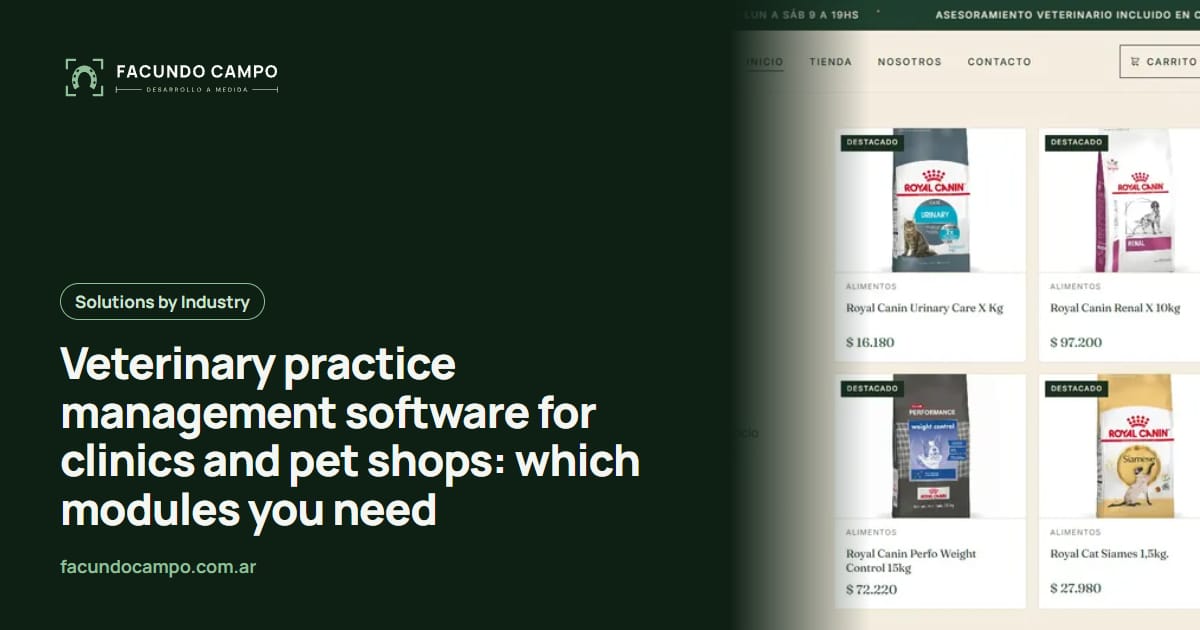
Veterinary management software brings together in one place what is usually spread across paper records, spreadsheets and the cash register notebook: patients with their medical records, vaccines, appointments, sales, stock and customer tabs. If you have a clinic and a store, what changes your day to day the most is having everything connected: every vaccine linked to a pet and every sale linked to a customer. Here are the modules you need, the options available and how I solved it for a pet shop with a clinic in Wilde, near Buenos Aires.
How is it different from an app for vet clinics?
In the post about apps for vet clinics I talked about what the pet owner sees: online booking, vaccine reminders, medical records they can look up and even telemedicine by video call. This post is about the other half: what you and your team use behind the counter to treat patients, take payments, control stock and know how the business is doing.
The two can be connected (the appointment a customer books on the website shows up in your schedule), but it is worth thinking about them separately, because the problems they solve are different.
What modules does a vet clinic or pet shop need?
Not every business needs everything. Use this table to mark what you need today and what can wait.
| Module | What it is for | Clinic | Pet shop |
|---|---|---|---|
| Owners and pets | A record per owner with their pets, and each pet's medical history. | Essential | Useful to know what each customer buys |
| Vaccinations | Vaccine schedule per pet and a PDF vaccination card to hand out. | Essential | Not applicable |
| Consultations, prescriptions and certificates | Log each consultation and generate prescriptions and certificates as PDFs. | Essential | Not applicable |
| Appointment schedule | See the day's appointments with their status. | Essential | If you offer grooming |
| Grooming | Grooming appointments and a log of grooming services. | If you offer it | If you offer it |
| Point of sale (checkout) | Check out quickly, with one or several payment methods in the same sale. | If you sell products | Essential |
| Stock | Each sale deducts the product and you know what to restock. | If you sell products | Essential |
| Customer tabs | Customers who pay later (buying on credit), with their balance up to date. | Optional | Very useful |
| Reports | See how much each area billed and collected, month by month. | Very useful | Very useful |
| Online store | A catalog on the website with ordering over WhatsApp. | Optional | Very useful |
Spreadsheet, off-the-shelf software or a custom system?
All three are valid at different stages of a business. What matters is knowing what each gives you and when it falls short.
| Spreadsheet | Off-the-shelf software | Custom system | |
|---|---|---|---|
| Upfront cost | Practically nothing. | Low or none; depends on the provider. | Depends on how many modules you need. |
| Monthly cost | None. | Whatever the provider charges for its plans. | The server and, if you want, maintenance. |
| Adapts to how you work | Yes, but everything is manual. | As far as the product goes. | Yes: it is built around the way you work. |
| Clinic and store connected | Hard: they tend to be separate spreadsheets. | Depends on the product. | Yes, in a single system. |
| Stock and cash errors | Frequent: it depends on someone entering everything correctly. | Fewer, if the product supports it. | The system deducts and records on its own. |
| When it makes sense | At the beginning, with little activity. | If your business fits what it offers. | Clinic, grooming and store at the same time, or processes of your own. |
In a custom system, the final cost depends on the scope: modules, users and what it has to connect to.
How did I solve it for Mecohue, a pet shop with a clinic near Buenos Aires?
Mecohue is a pet shop with a veterinary clinic in Wilde, near Buenos Aires. When we started, it operated without an integrated system: the clinical side was on paper, daily sales had no stock control or record of what was sold to whom, and there was no online channel to browse products or book an appointment, just social media.
I built them a custom platform that covers the three legs of the business in a single system. On the clinical side: a “Today” screen with every visit (arriving, waiting, being seen, ready to pay and done, including walk-ins and emergencies), each pet's record with medical history, vaccines, deworming and grooming, PDF prescriptions and certificates, a vaccination certificate sent over WhatsApp and one-tap reminders for vaccines, deworming and baths. On the store side: a point of sale that rings up the visit and the purchases together, with cash, card, Mercado Pago and customer tabs in the same sale, stock that updates itself, the day's register with its closing and monthly reports for clinic, grooming and store. And on the public side, a website with a catalog, availability checks over WhatsApp and appointments booked over WhatsApp.
The result is that they went from paper and spreadsheets to having everything recorded in real time: every sale linked to a customer, every vaccine to a pet, and the whole business (clinic, grooming and store) in a report you can check from your phone.
See the Mecohue case studyWhich details make the difference day to day?
Modules look similar everywhere. What makes a system get used (or abandoned) are details like these, which I solved at Mecohue:
- Mixed payments in a single sale. The visit and the purchases are rung up together: the customer pays part in cash, part by card or Mercado Pago and puts the rest on their tab, and it is all recorded in the same sale.
- All or nothing. When a sale is confirmed, the system deducts stock, records the payments and updates the customer's account in a single step: if something fails, nothing is saved halfway.
- Fix without breaking. If you edit a sale, stock is recalculated based on the difference, without duplicating movements.
- Billed is not the same as collected. The report separates what was sold (including sales on credit) from what actually came in through each payment method.
- The whole business in one chart. A 6-month trend with bars per area: clinic, grooming and store.
- Truly built for phones. After the first rollout we saw it was used a lot from a phone, so I redid the management side for small screens: scrollable tables, a floating menu and filters that rearrange themselves. Today the panel installs on the phone like an app.
- Daily backups. If something fails, the information is safe.
And the part the customer sees?
A management system pays off more when it connects with what the customer sees. At Mecohue, the public site has a catalog with search and filters by species and category, each product with its sizes and a button to check availability over WhatsApp, clinic and grooming services booked over WhatsApp, home delivery in Wilde and nearby, and a WhatsApp button always on screen. If you are interested in selling online, I explained the costs of each path in how much an online store costs in Argentina.
If what you are after is a website for your vet clinic (with or without a system behind it), my services page explains the plans and what they include, and in the website catalog you will find VetCare, a sample design for the industry with booking and services.
How much does management software for a vet clinic cost?
A management system is a custom web system: it has users with passwords, admin panels and rules specific to your business. If you only need the public website, it is a different kind of project, with its own costs; I explain what defines them in the guide to how much a website costs.
What moves the number the most is the number of modules. That is why you do not have to tackle everything at once: you can start with what hurts most today (for example, medical records and vaccines, or checkout and stock) and add the rest later, on the same foundation. Tell me what you need and I will send you a fixed quote within 48 hours.
Where should you start?
- Write down where your time goes. Looking for records? Counting stock? Chasing customer tab balances? That is your first module.
- Gather what you already use. Your spreadsheets, record cards and prescription pads are the best guide to building the system around you.
- Define who uses what. What the vet needs to see is not the same as what the person at the checkout needs.
- Think about phones from the start. If you or your team will use it from a phone, it has to be designed for that.
- Start with one part and grow. A well-built system lets you add modules without redoing what already works.
Frequently asked questions
What modules does veterinary software need?
The basics are owners and pets with medical records, vaccinations and an appointment schedule. If you also have a store, add a point of sale (checkout), stock, customer tabs and reports that bring the whole business together.
How much does custom management software for a vet clinic cost?
It depends mostly on how many modules you need and whether it has to connect the clinic, grooming and store. That is why it pays to start with the ones that save you the most work. Tell me how you work and I will send you a fixed quote within 48 hours.
Is off-the-shelf software or a custom system better?
Off-the-shelf software works if the way you operate fits what it offers. A custom system makes sense when you run a clinic, grooming and a store at the same time and need everything connected, as in the case of Mecohue.
Can I use it from my phone?
Yes, if it is designed for that. At Mecohue we saw that it was used a lot from a phone, so I did a second design pass to make the tables, menu and filters work well on small screens. The panel also installs on the phone like an app.
Can I take payment for one sale in cash and by card at the same time?
In the Mecohue system, yes: a single sale can be paid with several methods (cash, card, Mercado Pago and customer tab), and the system deducts the stock and updates the customer's account in the same step.
If you run a vet clinic or a pet shop and feel your information is spread across too many places, tell me how you work today: which areas you have, how you take payments and where you write everything down. With that, I will tell you which module I would start with.