3D walkthrough or rendered video to sell a property: what works at each stage of the sale
A rendered video is for getting attention: it plays on social media and in ads without the buyer doing anything. An interactive 3D walkthrough is for deciding: buyers pick their unit, walk in, go back to the room they care about and look at their own pace. Most pre-construction projects are best served by both, each at its own stage.
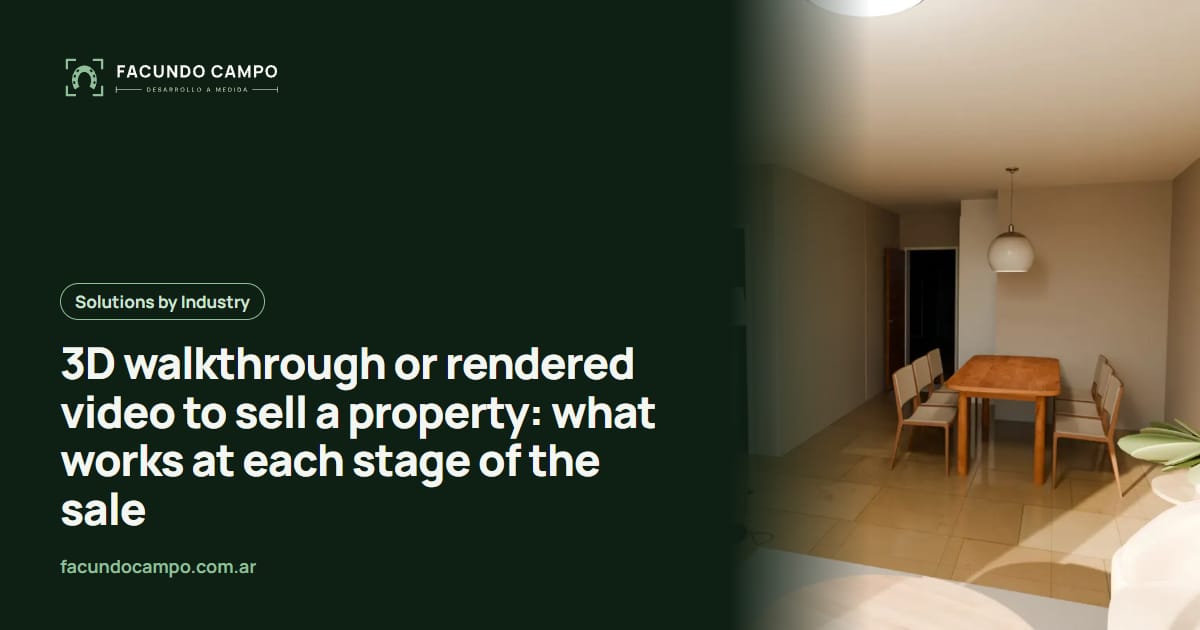
When you're selling a pre-construction project, a rendered video and an interactive 3D walkthrough aren't rivals. They do different jobs. Video gets attention: it plays on its own in social feeds and ads and tells the story of the project in seconds. A walkthrough helps people decide: the buyer picks their unit, walks in, and looks at what matters to them, at their own pace.
The useful question isn't which one is better. It's what stage of the sale you're in and what the buyer needs right then. I'm writing this as the developer of Recorrido 3D, the product I built to sell homes and apartments before they exist, so I do have a bias. I'll also tell you when video is enough.
What a rendered video does well
A video is a story you tell. You pick the shot order, the light, the sunset on the facade, the lobby shot, the music. The viewer doesn't have to do a thing: they catch it on Instagram mid-scroll, in an ad, on the sales office screen, or at the top of your website.
That makes it the best tool for the first stage, getting someone who's never heard of you to stop, get curious, and reach out. It also works for the launch, for investor presentations, and for showing amenities, which do most of the selling in early conversations.
What video can't do is answer questions you didn't plan for. If the buyer wants a real look at the second bedroom and the video spent two seconds there, they have to ask you for something else.
What an interactive 3D walkthrough does well
In a walkthrough, the buyer is in charge. They choose the floor plan or the exact unit, step inside, and go wherever they want: linger in the kitchen, head back to the bedroom to see if their bed fits, look out the window. It's the closest thing to touring a finished apartment when there's nothing built yet.
That matters when people are deciding. Pre-construction buyers have specific doubts: “does the living room face the street or the back?”, “is that a real balcony or a ledge?”, “what's the view from the third floor?”. A walkthrough answers them without your sales rep waving their hands.
It also changes remote sales. A buyer in another city or another country can tour the unit before the video call and show up with better questions. I compared both formats in more depth on the Recorrido 3D blog: project video vs interactive walkthrough.
Side by side
| Rendered video | Interactive 3D walkthrough | |
|---|---|---|
| What it's for | Getting attention and presenting the project | Choosing a unit and clearing up doubts |
| Who decides what's shown | You, ahead of time | The buyer, in the moment |
| Where it performs best | Social media, ads, website header, sales office screen | Sales office, WhatsApp link, video calls, QR code on the site sign |
| Stage of the sale | Launch and first inquiries | Visits, comparing units, closing |
| Look and feel | More cinematic, every shot polished | More freedom, less scripted |
| When a new question comes up | You need another shot or an explanation | The buyer goes and looks |
When video is enough
Not every project needs a walkthrough. If you're selling a single house with a simple layout, if every unit is the same and a good floor plan explains it, or if a rep personally takes every prospect to the site, a strong video and a few images may be all you need.
A walkthrough starts paying off when there are several floor plans, when orientation and views change from floor to floor, when a lot of buyers live far away, or when your sales team keeps explaining the same thing over and over. For a multi-story building, one walkthrough per floor plan type is usually the sweet spot.
Recorrido 3D, the product
I built Recorrido 3D for developers, builders and real estate agencies selling pre-construction: interactive 3D walkthroughs that buyers open from a link on their phone, with nothing to download, so they can choose and tour their unit before it exists. There are demos you can open right now to see how it responds, plus articles on using it in the sales office, over WhatsApp, or on the site sign.
See Recorrido 3DUsing both without paying twice
If the project is already modeled in 3D for a walkthrough, shots for a short social video can come from that same model. It works the other way too: existing renderings are a style reference, so all your material looks like it belongs to the same project.
A sequence that works for many projects: video for the launch and the ads, the walkthrough as the link you send when someone inquires, and the same walkthrough on a screen in the sales office. I go into more examples in how to sell pre-construction apartments and 3D virtual tours for real estate agencies.
I work remotely from Buenos Aires, Argentina (UTC−3), with video calls and progress you open from a link. I quote each project based on the number of floor plans and what your sales process needs.
Frequently asked questions
Doesn't a rendered video look better than an interactive walkthrough?
It usually looks more cinematic, because every shot is planned and polished in advance. A walkthrough trades a bit of that for letting the buyer decide what to look at. That's why video works better for attracting people and the walkthrough for closing.
Do I need both from day one?
Not necessarily. If you're launching and what you need most is inquiries, the social video comes first. Once visits start and people ask about specific units, the walkthrough becomes your sales tool.
Does the buyer have to download anything to see the walkthrough?
No. It opens from a link on a phone or computer, like any web page. That means you can send it on WhatsApp or put it on the site sign as a QR code.
What do I need to get started?
The project's floor plans and the finishes you'll offer are enough to begin. If you already have renderings or a brochure, even better: they help keep the same style across all your sales material.
If you're about to launch a project and aren't sure whether to start with video, a walkthrough or both, message me on WhatsApp at +54 9 11 6193-3176 or email contacto@facundocampo.com.ar and we'll work it out with your plans in hand. I answer in English and Spanish. More on [services](/en/servicios).