Kitchen and closet configurator: buyers lay it out, your sales team gets a clean order
A kitchen and closet configurator lets buyers lay out the cabinets you make, choose door styles, countertops and colors, and see it in 3D. Your sales team gets an order with every module listed, ready for the measuring visit and the quote.
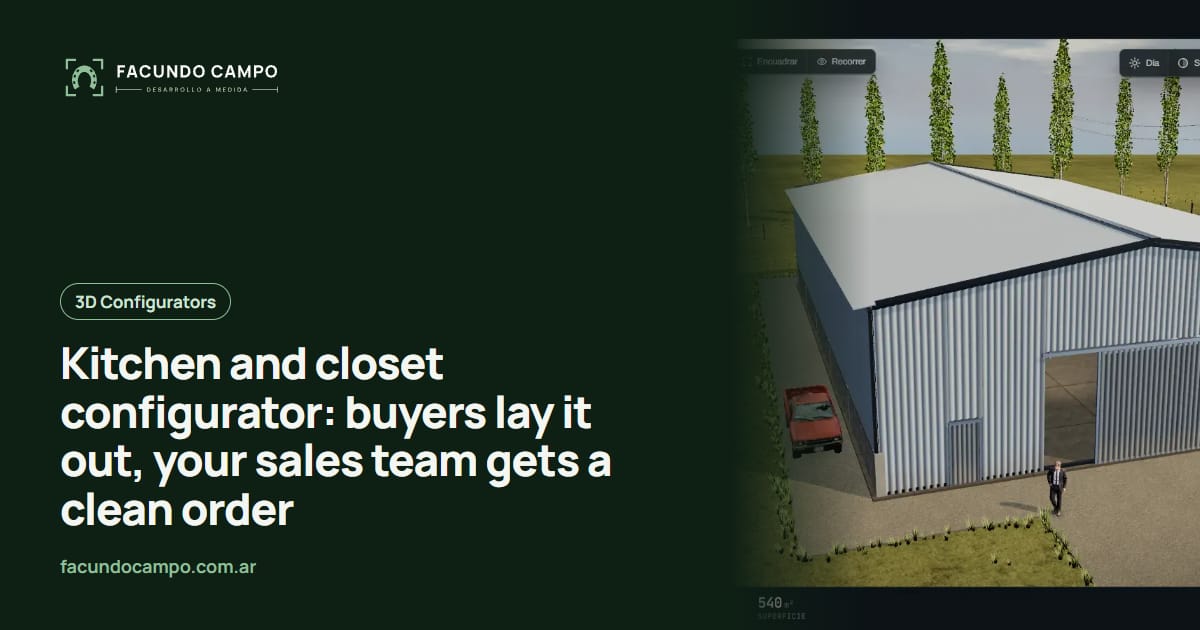
A kitchen and closet configurator is a tool on your website or in your showroom where buyers lay out the cabinets you make, choose door styles, countertops and colors, and see it in 3D. Your sales team gets an order with every module listed, not a sketch on graph paper.
This one's for kitchen cabinet shops, closet companies and the salespeople who work the showroom floor.
Every remodel starts with a sketch
Homeowners redoing a kitchen usually show up with their own plan: a hand drawing, a photo of the empty room or a magazine kitchen they love. They know they want more storage and a fridge that's not in the way, but they don't know what that means in cabinets.
Your salesperson becomes the translator. Listen, propose a layout, draw it, send it, wait, revise. Closets are the same: “I want everything to fit” isn't an order, and explaining double hang versus long hang in words takes forever.
With a configurator, the buyer does that part. They try an L-shape, add an island, see it doesn't fit, go back to the L with a tall oven cabinet. By the time they talk to you, they've already thought it through.
Kitchens: what buyers lay out
- Layout: galley, L-shape, U-shape, island or peninsula, based on the room.
- Cabinets: base cabinets with doors or drawers, wall cabinets, tall pantry or oven cabinets, a space for the fridge.
- Door style: shaker, slab or whatever you build, plus color and hardware.
- Countertop: material and color, if you offer it.
- Extras: pull-outs, spice racks, under-cabinet lighting.
Closets: what buyers lay out
- Type: reach-in, walk-in or a freestanding wardrobe.
- Doors: sliding, hinged or none, mirrored or not.
- Inside: where every rod, drawer stack, shelf and shoe rack goes.
Your modules, not freehand drawing
Some design programs let people draw anything. For your buyer that's a trap: they draw something beautiful that doesn't match the widths you build, and your designer has to redo it from scratch.
The configurator works from your module catalog and your rules: which widths exist, which cabinet goes in a corner, which tall unit can't go under a window. Buyers can experiment freely, but everything they lay out can actually be built. For your shop, that means an order that can go to production after measuring, with nothing to reinterpret.
If you build one-off pieces rather than modules, the approach is a bit different; I covered that in the custom furniture configurator article.
What changes on the showroom floor
On a big screen or a tablet, the conversation in your showroom changes. Instead of sketching and promising to email something later, your salesperson lays out the kitchen with the customer sitting next to them, and they adjust it together. The customer goes home with a PDF to show their family. I wrote more about using it in person in 3D configurators for trade shows.
And the customer who designs at home, late at night, walks into the showroom with the layout done. Your team starts with the details instead of from zero. If you want those orders landing straight in your system, take a look at WhatsApp integration for business.
A real tool built the same way
For EQUIBOX, a horse stall and barn manufacturer near Buenos Aires, Argentina, I built a 3D quote tool where customers design their barn from the parts the company actually makes, download a PDF spec sheet and send it on WhatsApp to the sales team, who follow up from their CRM. A modular kitchen works the same way: real parts, clear rules and an order your salesperson understands at a glance.
If you also supply kitchens for new condo or home developments, I wrote on the Recorrido 3D blog about how developers use kitchen renderings for real estate to sell.
See the EQUIBOX caseHow we'd start
I work on my own, remotely from Buenos Aires, Argentina (UTC−3), with video calls and progress you can open from a link. Send me your module catalog with sizes, the door styles and colors you offer, and your layout rules. We start with kitchens or closets, whichever sells more, and add the other later.
Frequently asked questions
Can buyers draw any kitchen they want?
No, and that's a good thing. They lay out your modules in the widths you build, so whatever they design can be made, and your team doesn't have to turn a freehand drawing into real cabinets.
Is it for the showroom or the website?
Both. In the showroom your salesperson uses it with the customer; on the website the customer works on it at home and shows up with the layout done.
Does it replace the measuring visit?
No. Your team still takes final measurements. The difference is that you arrive knowing what the customer wants, so the visit is for adjusting, not starting over.
What does my salesperson receive?
The list of modules with sizes, the door style, countertop, colors and an image of the kitchen or closet as the customer built it, by WhatsApp, email or straight into your sales system.
If you build kitchens, closets or wardrobes and want your sales team to get clear orders, message me on WhatsApp at +54 9 11 6193-3176 or email contacto@facundocampo.com.ar. I answer in English and Spanish and quote each project based on your catalog. More on [services](/en/servicios).