Mistakes when buying a 3D configurator, and how to avoid them before you start
The costliest mistakes with a 3D configurator happen before anything gets designed: trying to show every option, building it for a desktop screen, and never deciding what happens to the order once the buyer hits send. A handful of early decisions avoids all of them.
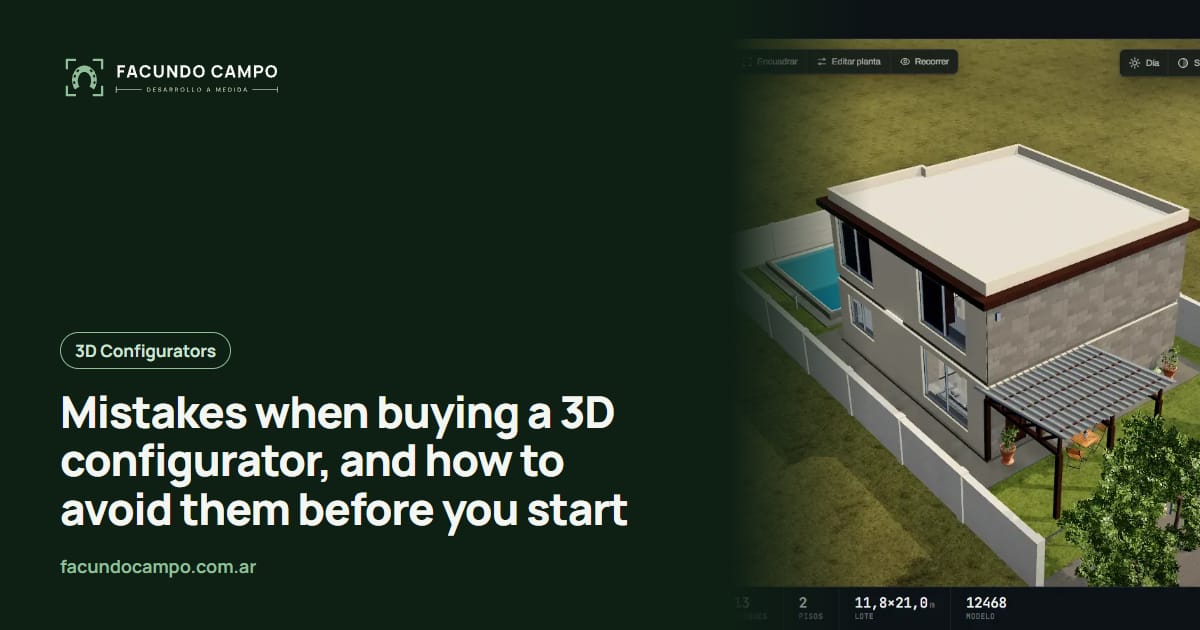
The most common mistakes when buying a 3D configurator have nothing to do with graphics. They're decisions nobody made at the start. Trying to show every possible option, building it for the office desktop, and never deciding what happens to the order when the buyer finishes are the three I run into most, and all three can be avoided before any work begins.
I'm writing this from the builder's side of the table. I built the 3D quote tool for a horse stall manufacturer and my own demo with metal buildings, carports and modular homes, and most of the detours in a project like this are easy to see coming. If you're still figuring out what a configurator is, start with what a 3D configurator does for a manufacturer and come back.
Mistake 1: letting the buyer choose everything
This one is tempting. Your shop builds hundreds of variations, so it feels natural to put them all on screen: three panel gauges, six colors, four hardware kits, two hinge types, optional bracing. But the buyer doesn't know what a hardware kit is and doesn't care about hinges. They see a long list of questions, lose steam halfway through, and close the tab.
My rule is simple. On screen goes whatever changes the price or changes whether the product works for them: size, model, number of doors, the color you can see from the road. The fine print gets settled by your sales rep once there's real interest. A configurator doesn't replace the final conversation. It replaces the first round of questions, the ones you always ask.
Here's a quick test: ask someone outside your industry to build a product. If they hesitate on an option, it probably doesn't belong there, or it needs a better label.
Mistake 2: only reviewing it on a desktop
The owner checks it on a big monitor, it looks great, it gets approved. Then a buyer opens it on their phone from a pasture or a job site with two bars of signal, and the buttons sit on top of the model or the options panel doesn't fit.
A configurator should be designed for the phone first and stretched to the desktop later, not the other way around. That changes where the controls go, how many options show at once, and how long it takes to load. I go deeper into this in mobile-friendly 3D configurators. While it's being built, ask to see every update on your own phone, not in a screenshot.
Mistake 3: no plan for the finished order
The buyer just finished designing their barn or building. Now what? If the answer is a generic contact form, you've thrown away half the value: you get a message without the design and you're back to asking questions.
The end of the flow needs to be decided before the project starts. A few options that work:
- The order goes out by WhatsApp, text or email with every choice spelled out, ready to quote. - The buyer downloads a spec sheet or an automatic PDF quote to show their partner. - The request lands straight in the system your sales team already uses to track customers.
There's no single right answer. It depends on who handles inquiries at your company today and how deals actually close. What can't happen is nobody thinking about it.
Other mistakes I see again and again
| Mistake | What happens next | How to avoid it |
|---|---|---|
| Leaving out your building rules | You get orders for combinations you can't build | Before design starts, write down which sizes, doors or walls don't go together |
| Not deciding whether to show prices | The last screen stays half-done and gets rebuilt | Pick “ballpark price” or “I'll quote you” on day one |
| Launching the whole product line at once | The project drags on and nobody really tests it | Start with the product that brings the most inquiries |
| No owner for updates | Colors and add-ons on screen go stale | Agree on what you change yourself and what the developer changes |
| Hiding it in a menu | Almost nobody finds it | Put it on your homepage, your Instagram and your WhatsApp auto-reply |
None of these are technical problems. All of them get solved in one good conversation before work starts.
What got decided up front for Equibox
For EQUIBOX, a horse stall and barn manufacturer near Buenos Aires, Argentina, several of these decisions were made before anything was drawn. The buyer picks what matters for price and use: size, model, walls and accessories. When they're done, they download a PDF spec sheet and ask for a quote on WhatsApp, and the company's sales reps follow up through their customer system.
It isn't a configurator with every possible stall option, and that's on purpose. The fine details get settled with a sales rep who already knows what the buyer wants.
See the Equibox caseWhat to bring to the first meeting
You don't need 3D drawings. This is enough to start on the right foot:
- Your best seller: the product that brings the most inquiries, with photos and dimensions. - The questions you always ask: whatever you ask every buyer before quoting. That's almost always the options list for the configurator. - What's off the table: combinations you don't build or that people keep getting wrong. - Who answers: who gets the WhatsApp message today and what they do with it.
The Estructuras 3D blog has a list of questions to ask a 3D configurator developer that covers the other half of that meeting, the part where you ask. And if you want to see a finished configurator respond, open Estructuras 3D on your phone and change a few sizes.
I work on my own, remotely from Buenos Aires, Argentina (UTC−3), with video calls and progress you can open from a link. I quote each project based on what the company needs, so the most useful thing is telling me how you sell today.
Frequently asked questions
How many options should a 3D configurator have?
The ones that change the price or change whether the product works for the buyer. Everything else can be sorted out later in a message. It's better to start lean and add options once you see what customers ask about than to start with everything and have nobody reach the end.
Do I need my pricing worked out before I order one?
You don't have to show prices, but you do need to decide whether you will and how. That choice shapes the last step for the buyer: ending on a ballpark figure is different from ending on “send me your design and I'll quote it.”
Who updates the configurator when I change a model?
Settle that before you start. Things that change often, like available colors or add-ons, can live in a panel you manage yourself. Things that change the shape of the product, like a brand-new model, I add.
Can I start with just one product?
Yes, and it's usually the smart move. Starting with the product that brings the most inquiries lets you test the whole loop, from screen to quote, before adding the rest of the line.
If you're about to order a configurator and want to go over these decisions first, message me on WhatsApp at +54 9 11 6193-3176 or email contacto@facundocampo.com.ar. I answer in English and Spanish. You can also see what else I do on [services](/en/servicios).