Sales reports for your business: what to look at every month (and what not to)
Selling a lot isn't the same as collecting a lot. Here are the sales reports that help a business make decisions every month (billed and collected, payment methods, areas and trend) and how I built them for Mecohue.
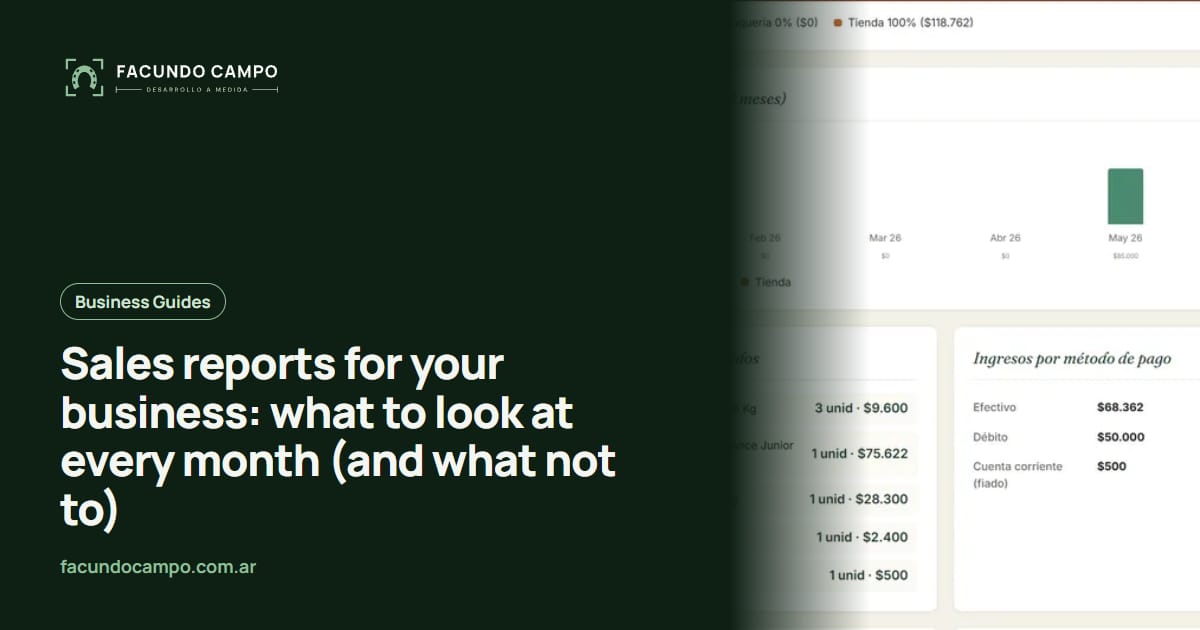
A good sales report for a business answers three questions every month: how much you sold, how much you actually collected and where the money came from. To do that, it has to separate what was billed (everything sold, including tabs) from what was collected through each payment method, show how much each area of the business contributed and let you see the trend over the last few months, not just the current one.
I'll explain what to look at, which mistakes to avoid and how I solved it in the system for Mecohue, a pet store with a veterinary clinic and grooming service in Wilde, Buenos Aires.
Why isn't "how much did I sell" enough?
It's the first question any business owner asks, and the answer is misleading on its own. One month you may have sold a lot, but if a good part of it was left on customer accounts, the money isn't in the till yet. Another month you may have sold less but collected more, because payments on old balances came in.
That's why a useful report separates two numbers many spreadsheets mix up: what was billed and what was collected. And it also breaks down what was collected by payment method, because cash in the till isn't the same as money coming in by card.
What should a monthly sales report include?
These are the pieces that help a business make decisions, ordered from the most basic to the most useful:
- Total billed for the month. Everything sold, including what was left on customer accounts.
- Total collected, by payment method. Cash, card and whatever applies to your business, with what actually came in.
- Sales by area. If your business has more than one line (products and services, store and website, different categories), how much each one contributed.
- Multi-month trend. Seeing the current month next to previous ones to tell a bad month apart from a sustained drop.
- Outstanding balances. How much customers with accounts owe you.
- Access from a phone. A report that can only be seen on the store computer rarely gets looked at.
Billed or collected? A simple example
A made-up example, just to show the difference. A customer makes a purchase: pays part of it in cash, part by card and leaves the rest on their customer account.
| Item | In the example | What it tells you |
|---|---|---|
| Billed | The whole purchase | What you sold. |
| Collected in cash | The cash part | What went into the till. |
| Collected by card | The card part | What will come in through the card processor. |
| Pending on customer account | The rest | What you are still owed. |
Made-up example; it doesn't correspond to any real business.
What does Mecohue's report look like?
Mecohue has three areas that generate revenue: the veterinary clinic, the grooming service and the shop. The system already had a report covering the clinic and grooming, and when we added the store's point of sale, the challenge was to bring those sales into the same report without mixing concepts.
The unified monthly report separates what was billed (which includes what was left on customer accounts) from what was collected (with the actual payment methods of each sale). And it has a trend chart for the last 6 months with bars stacked by area: at a glance you can see how much the clinic, the grooming service and the shop contributed, month by month.
All of that works because each sale is recorded with its customer and payment methods at the moment it happens. The report isn't entered: it's calculated from what's already in the system. And it can be checked from a phone.
See the Mecohue caseWhy look at 6 months and not just the current one?
Because a single month doesn't say much. There are months with public holidays, vacation months, months when one area had more activity for a one-off reason. Looking at the current month next to the previous ones lets you separate the one-off from the trend.
Bars stacked by area add another layer: if the total holds steady but the mix changes (for example, the shop grows and grooming drops), that's a signal you can't see in a single total. In a business with several lines, that mix matters as much as the total.
What mistakes make a report useless?
The most common one is unreliable data. If sales are entered by hand at the end of the day, if a corrected sale ends up duplicated or if tabs are written in a separate notebook, the report will show numbers that don't match the till, and by the third time nobody looks at it anymore.
That's why the report starts at the register: a point of sale that records each sale in full (with its customer and payment methods), never leaves operations half-done and corrects stock by the difference when a sale is edited. I explained it in POS system with inventory control.
The other mistake is trying to measure everything. A report packed with charts gets looked at less than one with the few numbers that matter. It's better to start with the basics and add what you actually use.
Spreadsheet or system for your reports?
| Spreadsheet | System with reports | |
|---|---|---|
| Where the data comes from | Whatever someone enters by hand. | Every sale recorded at the register. |
| Billed vs collected | Has to be built with formulas. | Comes out automatically, split by payment method. |
| Sales by area | Only if the area is entered on each row. | Calculated from where the sale came from. |
| Up to date | Whenever someone updates it. | In real time. |
| From a phone | Awkward. | Yes, if it's designed for it. |
How much does it cost to have reports like these?
Reports aren't a separate product: they come out of the system where you record your sales. If you already use an off-the-shelf register system, check what reports it includes before thinking about something new. If your business has several areas (products and services, store and website) and you want to see them together, that's usually when you need a custom web system. What defines the cost is the scope: how many areas it covers, which reports you need and what it has to connect to. Tell me what you have and I'll send you a fixed quote within 48 hours.
If your business is a pet store or a vet clinic, in management system for vet clinics and pet stores I go over all the modules, and in the story of how Mecohue left spreadsheets behind I explain how the whole system was built.
Frequently asked questions
What is a sales report?
It's a summary of what your business sold over a period (for example, a month), built from the recorded sales. A useful one shows how much was billed, how much was collected, through which payment method and in which area of the business.
What's the difference between billed and collected?
Billed is everything you sold, including what customers left to pay later on their tab. Collected is what actually came in, broken down by payment method. Looking at both together tells you how much of what you sold is still owed to you.
Can I build the reports with a spreadsheet?
You can, but it depends on every sale being entered correctly and on time. If sales are already in a system, the report builds itself and is always up to date.
Can I see the reports on my phone?
Yes, if the system is designed for it. At Mecohue, the report for the whole business can be checked from a phone.
If at the end of the month you're not sure how much you sold, how much you collected and how much you're owed, tell me how you record sales today and what areas your business has. I'll tell you which report I'd build and what it takes for the numbers to add up.