3D product viewer for online stores: let shoppers spin the product before they buy
A 3D viewer on the product page lets your online store's shoppers spin the item, zoom in and switch colors or versions before buying. It pays off most where photos fall short: furniture, items with details on the back or underneath, and products that come in several finishes.
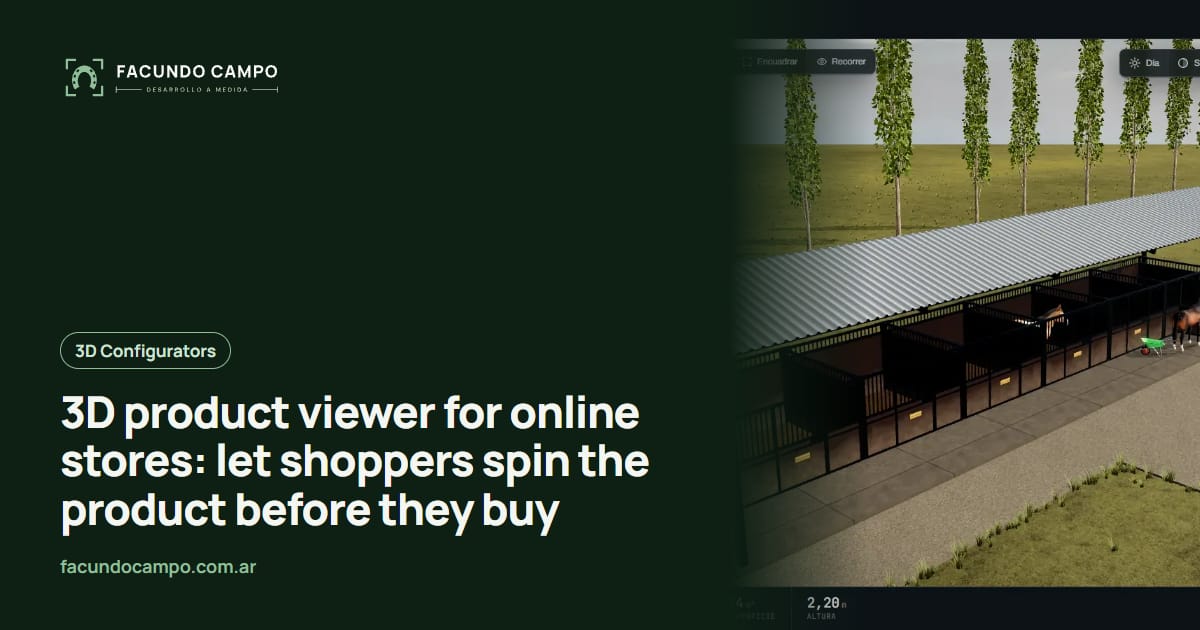
A 3D viewer on your online store lets shoppers spin a product with their finger, zoom in, and switch colors or versions before buying, right on the product page. It doesn't replace your photos. It answers the questions your photos leave open.
This is for store owners who sell things people hesitate over: furniture, lighting, home decor, luggage and backpacks, handmade goods with different finishes, home or retail equipment. If you build products to order, what you're after is closer to a custom furniture configurator. Here I'm talking about showing what you already have in stock.
The questions a photo can't answer
Look at the messages you get before a sale. A lot of them are versions of the same thing: “what does the back look like?”, “is the handle metal or plastic?”, “how deep is the drawer?”, “is the gray lighter or darker than in the photo?”. That's someone who wants to buy but isn't quite there yet.
Each question costs you time, and every shopper who doesn't ask and just leaves is a sale you never see. Worse is the one who buys with a doubt, receives something different from what they pictured, and sends it back. With furniture or anything bulky, that round trip hurts everyone.
Solid product pages go a long way, and I covered that in product pages that sell. 3D picks up where the page runs out: when the shopper needs to look, not read.
What shoppers can do with a 3D viewer
- Spin the product every direction, including the back and the bottom, which is exactly what photos almost never show.
- Zoom into a detail: the stitching, the wood grain, the type of handle, the joinery.
- Switch colors or finishes and see the same product update, instead of jumping between photos that don't always match.
- Switch versions (small, medium, large; with or without arms) and compare.
- See dimensions on the product itself, as lines for height, width and depth, so they can picture it at home.
- Add it to the cart right there, with the chosen variant already selected.
Which products is it worth it for?
| Worth it | Adds little |
|---|---|
| Furniture and items with a different front, back and sides | Flat products, like T-shirts or prints |
| Products with several finishes or colors | Single-color items with no details |
| Bulky or expensive items, where a return really hurts | Low-cost impulse buys |
| Things with moving parts or compartments | Products one photo explains completely |
If you're not sure, check your inbox. If questions about shape, size or color keep coming up, 3D has a job to do.
What about my store platform?
That's the most important practical question. If your store runs on Shopify or another platform, each one handles additions to the product page differently, and sometimes it depends on your plan. So I won't promise anything before looking at your actual store. We go through it together and I tell you what's possible.
There are one-click add-ons that promise 3D in your store. They can work as a starting point, but they usually limit how things look, which variants they handle, and how far you can adapt them. On the Estructuras 3D blog I compared store configurator plugins against a custom build, and most of it applies to a viewer too. If you're still deciding where to sell, my take on your own store vs a marketplace may help.
What about augmented reality, seeing it in your living room?
It's the next step a lot of people picture: point your phone at the floor and see the couch there. It can help with some products, but it isn't where I'd start. First shoppers need to see the product properly on screen. If that works and your customers keep asking for more, then it's worth looking at. I compared both in augmented reality vs 3D configurator.
How I build it
We start small: your best sellers or the products that get the most questions. You send me photos from every side, dimensions and the variants that exist. You don't need anything in 3D. I build each product and the viewer, and you test it on your phone from a link before it goes anywhere near your store.
If you want to feel what spinning and changing something in 3D is like on a phone, open Estructuras 3D. It's buildings and homes instead of furniture, but touching, rotating and switching options feels the same. And if your store belongs to a manufacturer with a broad line, take a look at the interactive 3D product catalog too.
I work remotely from Buenos Aires, Argentina (UTC−3), with video calls, progress links and contact by WhatsApp or email. I quote based on how many products and what your store needs.
Frequently asked questions
Does it replace product photos?
No. Photos are still the first thing shoppers see and the way to show the product in use, in a real setting. The 3D viewer handles the questions a photo can't answer: what the back looks like, how it looks in another color, how thick it is.
Does it work with Shopify?
It depends on the platform and your plan, because each one lets you add things to the product page in its own way. We check your specific store before starting. If your store is custom-built, it goes in without those limits.
Do all my products need 3D?
No. The sensible move is to start with the ones that raise the most questions or sell the most, then see whether the questions change. A big catalog can have 3D on part of it and photos only on the rest.
Will it slow down my product pages?
Done right, you won't notice. The page shows the photo first and the 3D kicks in when the shopper taps it. What matters is that the viewer never holds up the rest of the page.
If shoppers keep asking what your products really look like, message me on WhatsApp at +54 9 11 6193-3176 or email contacto@facundocampo.com.ar and we'll figure out which ones are worth showing in 3D. I answer in English and Spanish. More on [services](/en/servicios).