3D configurator vs PDF catalog: when the PDF is enough and when it's time to switch
A PDF catalog is enough when you sell a few fixed models to buyers who already know the product. A 3D configurator makes sense when the product is built to order, the combinations are many and the buyer needs to see the result to decide. Plenty of manufacturers end up using both: the configurator to choose and a PDF generated at the end to keep and sign off.
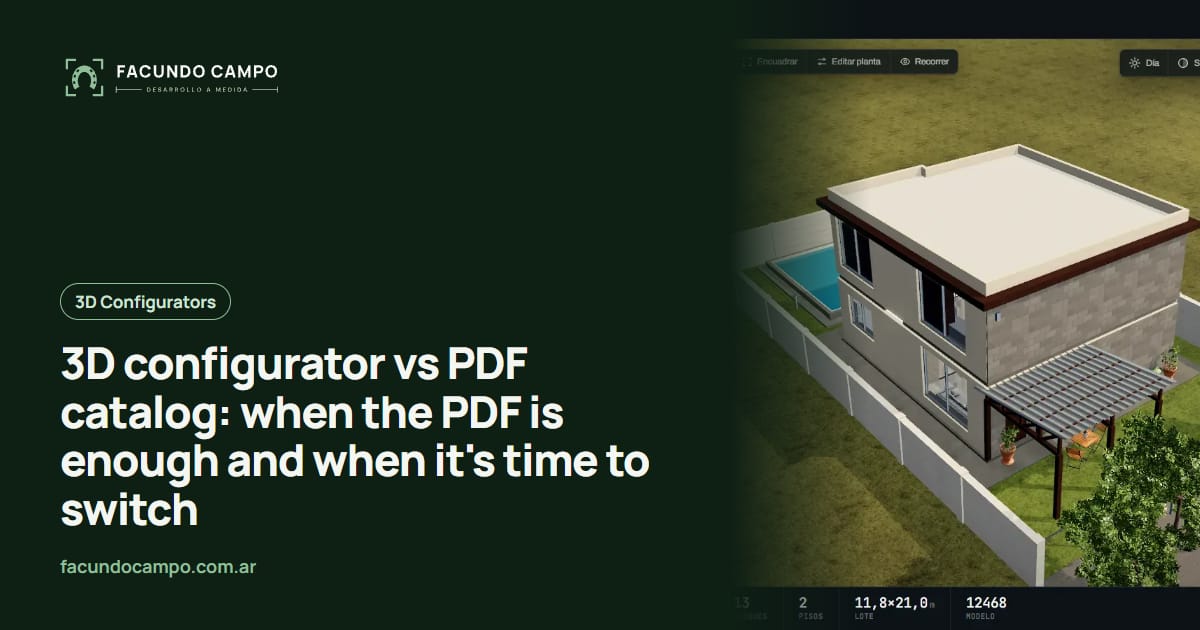
The short answer: a PDF catalog is enough when you sell a few fixed models to people who already know the product; a 3D configurator makes sense when the product is built to order and buyers need to see it to decide. And quite often the right answer is both, each doing its own job.
I build 3D configurators, so I have an obvious stake in this comparison. That's exactly why I want to keep it honest: some manufacturers don't need one, and I'll tell you which.
What a PDF catalog does well
PDFs have real strengths. You can send one by WhatsApp or email in a second, it opens on any phone, you can print it for a trade show and read it without signal. It's easy to make: good photos, a size chart and your contact details already give you something presentable.
It also signals that you're an established business. A buyer who gets a tidy catalog understands there's a real company on the other end.
And for some buyers it's exactly what they expect: the dealer who already knows your line, the store that reorders the same products, the contractor who just needs to confirm a size.
Where the PDF falls short
Trouble starts when the product has variations. A catalog can show the base model and a table of options, but it can't show the combination the buyer has in mind: that size, in that color, with the door on the other side. The buyer has to picture it, and what people can't picture clearly, they don't buy with confidence.
The second issue is that a PDF doesn't ask anything. The buyer looks, closes the file and messages you “how much?”. Every detail you need to quote, you have to chase down afterward.
The third is upkeep. Every model or finish change means a new PDF, and the old ones keep circulating in chats and forwards for months. Sooner or later someone asks for something you stopped making, looking at last year's catalog.
Side by side
| Aspect | PDF catalog | 3D configurator |
|---|---|---|
| Best at | Introducing the company and the line | Letting the buyer choose their version |
| Options and sizes | A table the buyer has to interpret | Every combination, shown instantly |
| What you learn about the buyer | Nothing until they write | The full configuration |
| Updating it | Redo it and resend it | Change it in one place |
| Offline and printed | Yes | Needs a connection; can produce a PDF |
| Effort to get started | Low | Higher: your product rules have to be defined |
A PDF is enough if…
- You sell a handful of models that rarely change size, color or finish.
- Your buyers are dealers or pros who already know the product.
- Every sale closes in a visit or meeting where everything gets decided anyway.
- Your product line barely changes through the year.
A configurator makes sense if…
- You build to order or offer lots of combinations: metal buildings, horse stalls, windows, furniture, pools.
- First-time buyers reach out and need to see it before deciding.
- You lose a lot of time asking questions before you can quote.
- You have reps or dealers who quote differently and you want everyone showing the same thing.
Both at once: the Equibox project
EQUIBOX, a horse stall and barn manufacturer near Buenos Aires, shows you don't have to pick one. In the 3D quote tool I built for them, customers design their barn (size, model, walls and accessories) and at the end download a PDF spec sheet or quote with what they chose. Then they ask for a price on WhatsApp and the sales team takes it from there.
The PDF is still there, but it's no longer a generic catalog. It's the document for that specific barn, which the buyer keeps, shares or prints. I explain how it's generated in automatic PDF quotes.
See the Equibox projectA middle ground: the interactive catalog
There are options between a PDF and a full configurator. If your product has variations but isn't built to order, an interactive 3D product catalog where buyers spin each model and switch colors might be enough, or an online catalog without checkout that's always current. And if what you really need is better inquiries, an online quote calculator without 3D can cover a lot of it.
For another take on this same question with examples from steel buildings and carports, I wrote 3D configurator vs PDF catalog on the Estructuras 3D blog.
Frequently asked questions
Do I have to stop sending my PDF catalog if I get a configurator?
No. If your buyers or dealers are used to the PDF, keep sending it. What usually changes is its role: it stops being the tool for choosing and becomes the general introduction to your company.
Can a configurator produce a PDF?
Yes, and it's one of the combinations that works best. The buyer builds their product and downloads a spec sheet with the image, sizes and options they picked. It's still a PDF, but it's theirs, not the whole catalog.
I only sell a handful of models. Would a configurator still help?
Maybe not. If your products don't change size or finish, a solid page per model with photos and a WhatsApp button is probably enough. A configurator earns its keep when there are a lot of combinations.
Which one is easier to keep up to date?
It depends on how often your products change. A PDF has to be redone and resent every time something changes, and the old ones keep floating around in chats. A configurator gets updated in one place and everyone sees the new version.
If you're not sure whether to stick with your PDF or move to a configurator, tell me what you sell and how inquiries reach you, and I'll tell you what I'd do, even if the answer is “keep the PDF”. Message me on WhatsApp at +54 9 11 6193-3176 or email contacto@facundocampo.com.ar; I answer in English and Spanish. More on my [services page](/en/servicios).